Sharper, Clearer Video
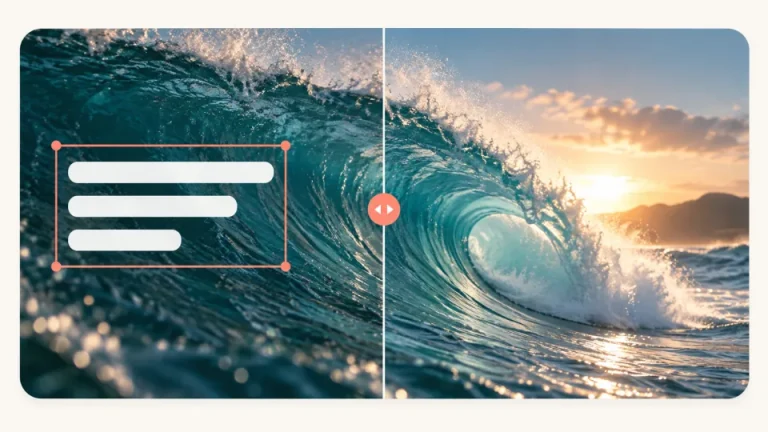
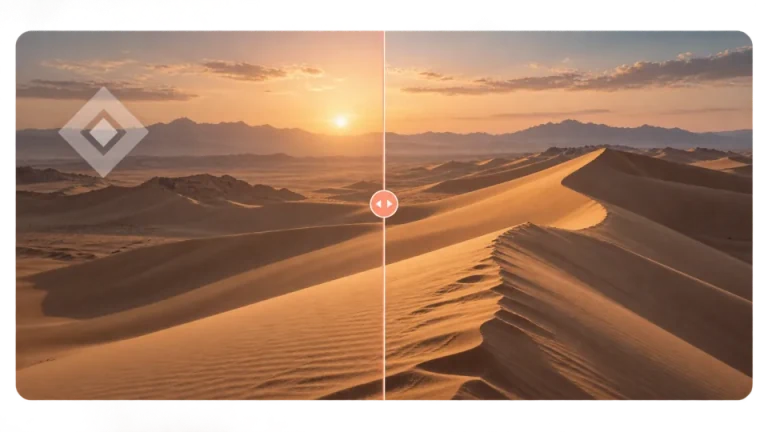
Start with blurry footage. Our AI video upscaler processes each frame to improve details and reduce noise. Compare the output with your original, checking for flickering, unnatural textures and overly smooth skin.
Upscale videos 2× or 4× online. Upload MP4, MOV or WebM, choose output settings, and review the credit cost before AI processing. Up to 200 MB and 5 minutes.


MP4, MOV or WebM · Up to 200 MB per video
Try a sample to explore the preview
Above 4K, credits are estimated from the 4K rate in proportion to output pixels.
Start with blurry footage. Our AI video upscaler processes each frame to improve details and reduce noise. Compare the output with your original, checking for flickering, unnatural textures and overly smooth skin.
Get professional results without a high-end GPU. Upscale video files directly in your web browser using our dedicated cloud servers. The fast cloud architecture frees up your computer's resources.
See the estimated credits before submitting your video. AI processing uses credits based on the full source duration; result access depends on your account benefits.
| Video upload | MP4, MOV or WebM · up to 200 MB · up to 5 minutes per file. |
|---|---|
| Resolution | Choose 2× or 4×. Estimated output dimensions appear in the workspace; final dimensions depend on the result. |
| Frame rate and encoding | Keep the source frame rate or choose 24, 30 or 60 FPS. Select H.264 or H.265. |
| Batch size | Subscriptions and credit packs both include batch-processing benefits. Your batch limit depends on the plan or pack you purchase, as shown on the pricing page and in your workspace. Each video must meet the upload limits and has its own processing cost and status. |
| Processing credits | Full source duration × the displayed per-second rate, rounded up. Uploading requires a balance; processing deducts credits. Each file is billed separately. |
| Result access | A subscription or credit pack includes full-result access and the benefits listed on the pricing page. The workspace shows the preview and download options available to your account. |
Choose an MP4, MOV or WebM file up to 200 MB and 5 minutes. Uploading requires a credit balance but does not deduct processing credits. After upload, continue to the workspace.
Select the scale factor, check the estimated output dimensions, and choose the frame rate and H.264 or H.265 encoding. Review the estimated credits, then start processing.
Compare the processed video with your original and download the result available to your account. A subscription or credit pack provides full-result access. Find completed tasks in your enhancement history.
Bring vintage home videos and digitized VHS tapes back to vibrant life. Our AI video upscaler meticulously removes grain and restores lost facial details while preserving the nostalgic feel of your original memories.


Ensure your content looks breathtaking on massive smart TVs or projectors. Upscale video to true 4K resolution to add genuine pixel density and sharp edge definitions, making your footage professional and immersive.


Upscale animated content without losing the artist's original intent. Our specialized AI models cleanly sharpen line art and smooth color gradients, successfully avoiding the over-processed halos often caused by traditional filters.


Rescue heavily compressed videos from popular social platforms. Our AI video upscaler excels at smoothing out blocky compression artifacts and restoring natural textures, ensuring your reposted content looks pristine and high-quality.


Integrate enhancement seamlessly into your editing workflow. Use our tool to upscale video assets like drone shots or archival B-roll to match your high-resolution timeline, saving you expensive reshoot costs.


Your original video on your device stays unchanged. We currently retain uploaded videos and processed results and do not proactively delete them after processing or when you leave the page. See the privacy policy for how files are stored and how to contact us about your data.


Upload a video up to 200 MB and 5 minutes, choose 2× or 4×, and check the estimated output size and credit cost before processing.