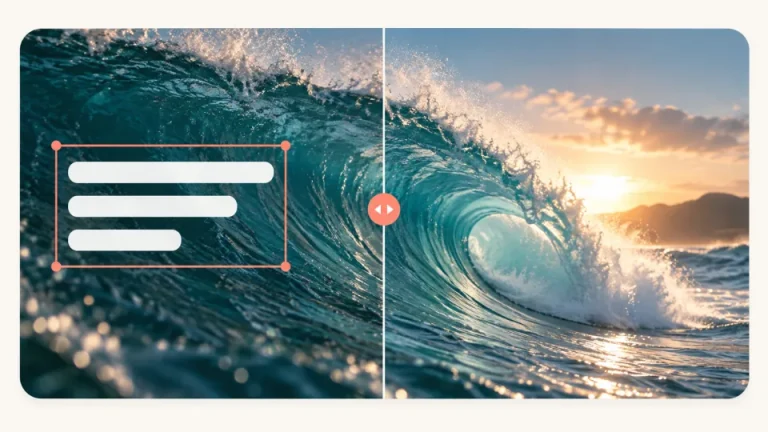
Clear a text watermark from the frame
Explore how the composition changes without an overlaid label. Compare the text boundary and the background around it.
Remove video watermarks automatically with AI. Upload clips in batches according to your plan or credit-pack benefits, review the credit cost, then process and download your results online.
MP4, MOV or WebM · Up to 50 MB per video
Try a sample to explore the preview
 AI video processing
 Illustrative examples
Sign in and upload MP4, MOV or WebM videos, up to 50 MB and 10 minutes per file. Your subscription or credit pack determines your batch allowance. Uploading does not deduct processing credits.

In the workspace, review the files and estimated credits, then start automatic removal. There is no manual area selection or text prompt.

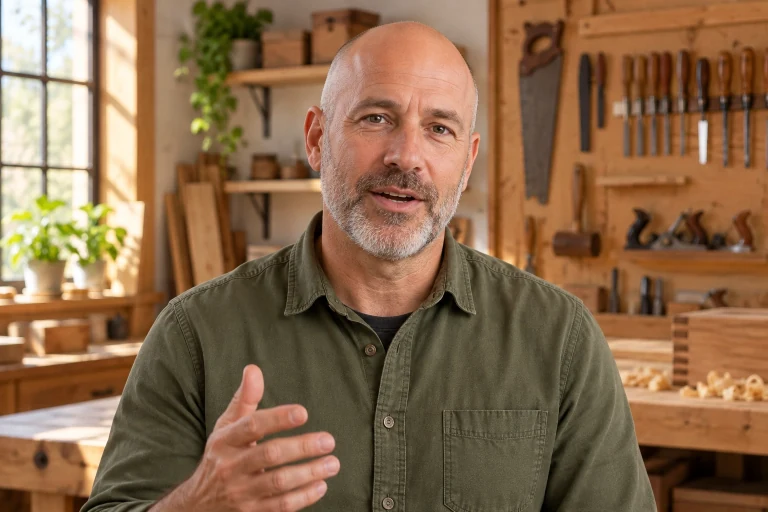
When processing finishes, play the result and check faces, edges and textures before downloading. Keep your original video for comparison.

Explore how the composition changes without an overlaid label. Compare the text boundary and the background around it.


Old labels can get in the way of a new edit. Inspect the sample before planning a new caption or brand treatment.


A soft patch can be just as distracting as the original text. Compare the continuity of texture and color around the edited area.


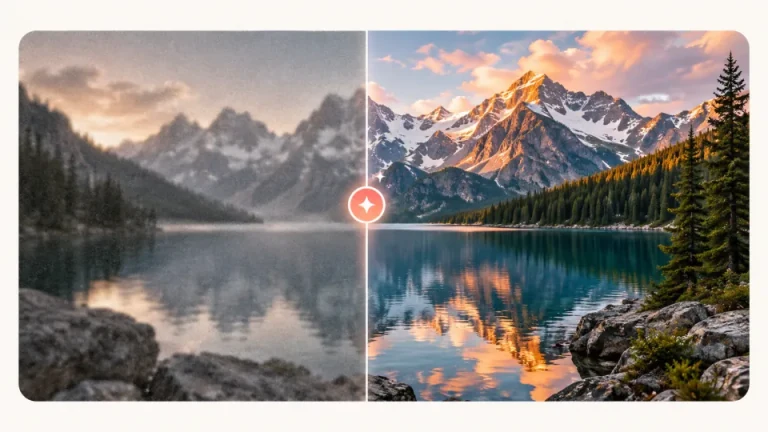
Watermarks may overlap patterns and scene detail. Move the divider slowly to inspect how those features fit together.


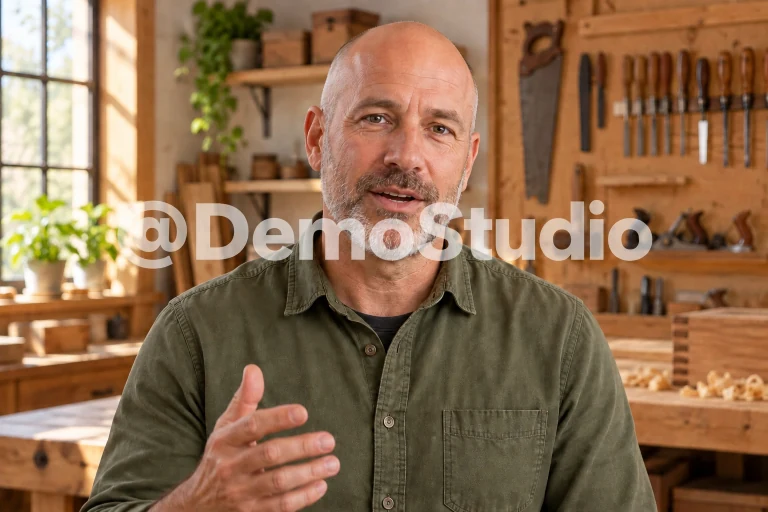
A watermark can change position across a shot. Review the visual example with that changing placement in mind.


Compare the cleared area with its surroundings. Straight edges and repeating details make useful reference points.
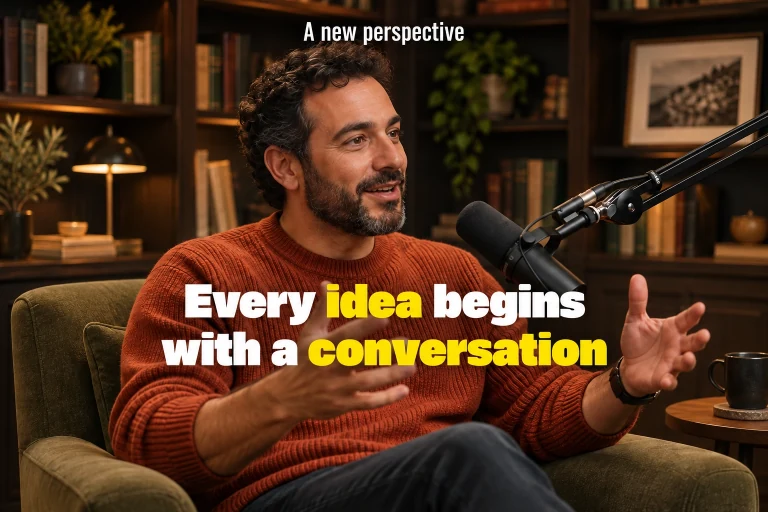
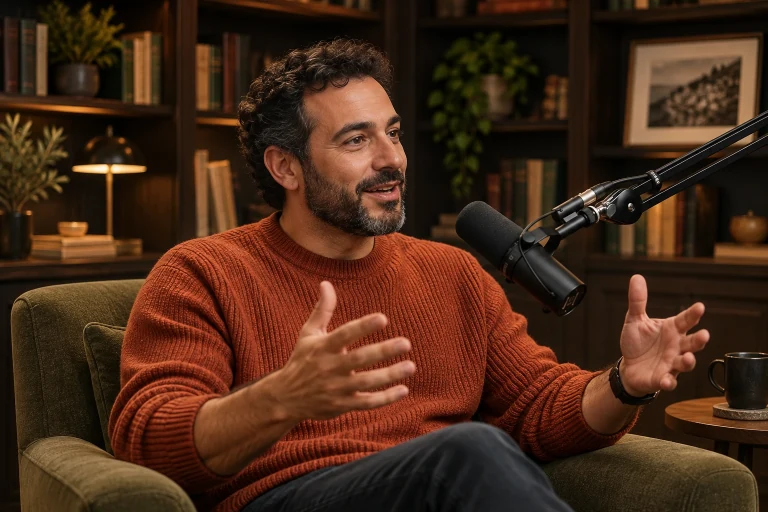
Overlaps with a subject or detailed texture need a careful review. Inspect more than the center of the watermark.


Upload videos in batches according to your plan or credit-pack benefits. Review the total credit cost, follow each file’s status in the workspace, and download successful results individually.


Use the divider to review fine edges around a label. The surrounding footage is as important as the cleared region.


Preview the source and explore the examples before making changes. Keep your original footage available for comparison.


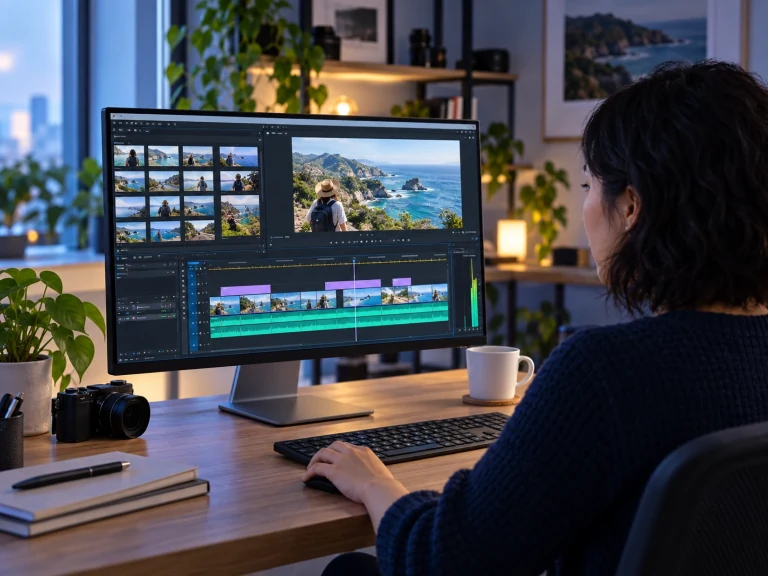
Processing is charged by video duration at the rate shown in the workspace, with a 3-second minimum per file and whole-second rounding. Subscriptions and credit packs both provide processing credits; each video in a batch is billed separately.

Each video has its own processing status and credit cost. Failed tasks return their processing credits; check the task status before submitting a new attempt.
A subscription or credit pack includes full-result access and the benefits listed on the pricing page. The workspace shows the preview and download options available to your account.
Upload a video, remove watermarks, and download the processed result.