Keep the subject in focus
Separate the story from a distracting background.
Remove your video background with AI. Upload a clip, review the credit cost, and download a transparent result.

MP4, MOV or WebM · Up to 50 MB per video
Try a sample to explore the preview
Separate the story from a distracting background.
Explore subject isolation for everyday footage.
Plan backdrops for tutorials, products and social clips.
Sign in and upload MP4, MOV or WebM videos up to 50 MB and 10 minutes per file.
Review the credit cost and start automatic background removal.
Download the transparent video when processing finishes and use it in your editor.
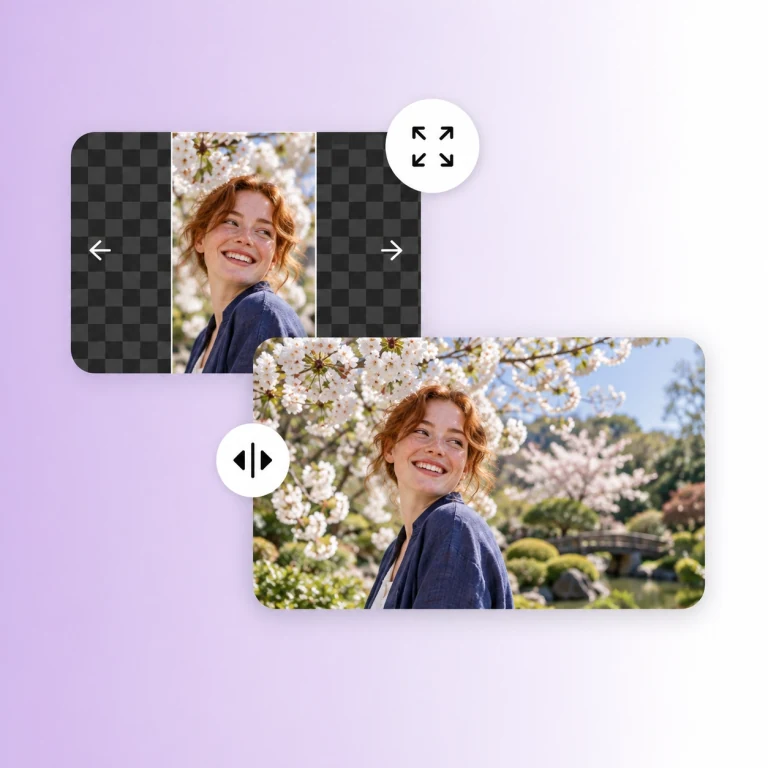
A video background remover identifies the foreground across a sequence of frames. It can save the effort of masking every frame by hand, especially for portraits, talking-head clips and simple product shots.

A quiet studio, a bold brand color or an entirely different location can change how a clip feels. Plan a backdrop that matches your subject’s lighting and perspective for a more convincing composition.

AI subject detection works differently from color keying: it looks for the subject instead of a single background color. Fine hair, transparent objects and fast movement still deserve a careful frame-by-frame check.

Keep a presenter visible while leaving space for slides, screen recordings or demonstrations. Consistent framing helps each lesson feel like part of the same series.

Use a clean composition to make shape, texture and movement easier to notice. Prepare different background concepts for product launches, seasonal campaigns and short social ads.

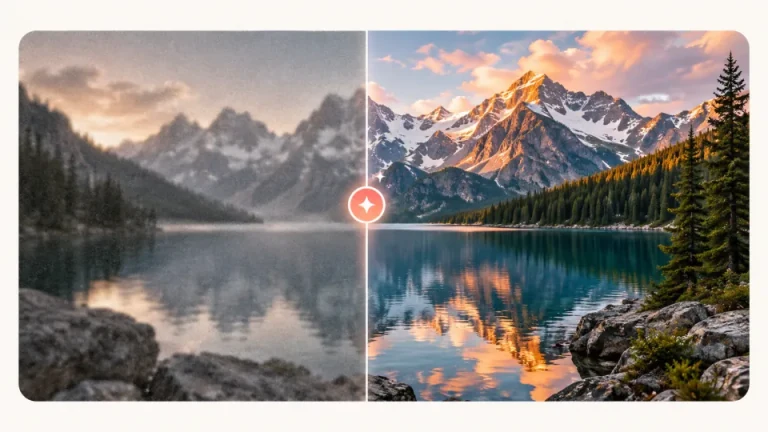
Background editing starts with the footage you already have. If your source looks soft, explore video upscaling first and inspect the edges before moving on to your final composition.
Upload a video and isolate your subject for the next edit.